Castle Hardcore
The Hardcore Adventure Begins!!!
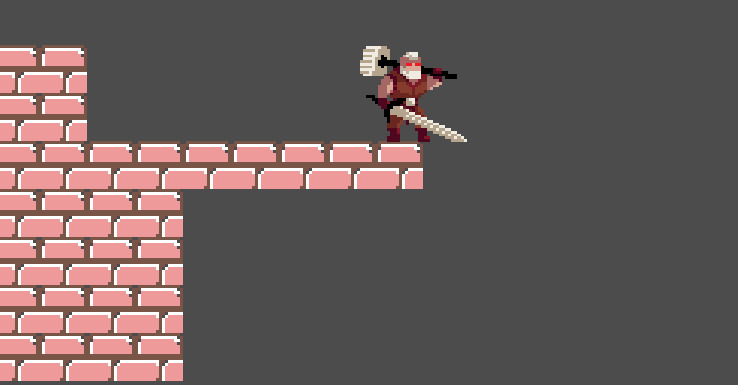
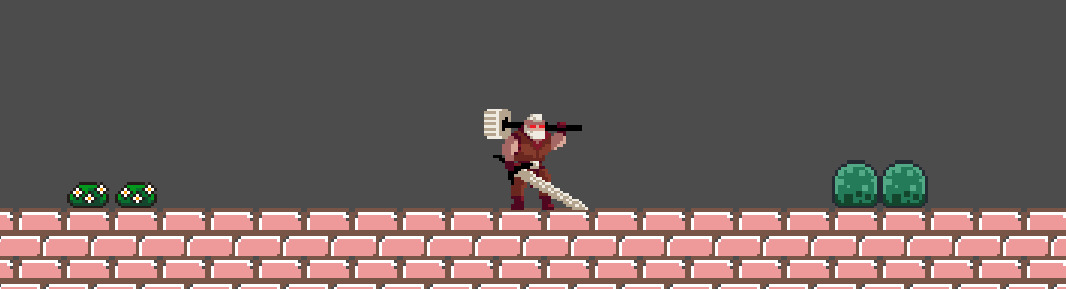
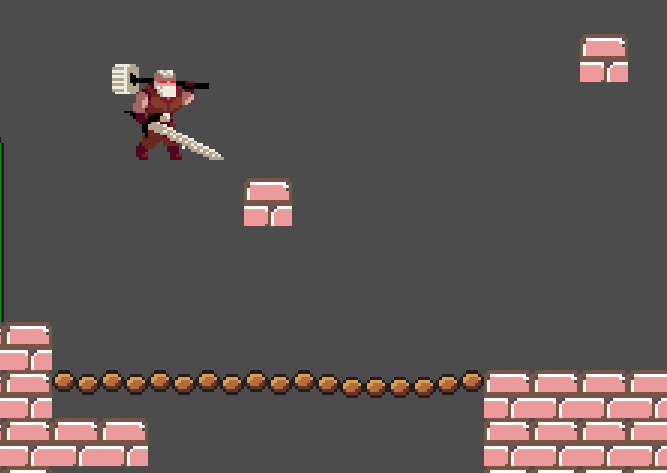
Castle Hardcore is a game where our player has to pass the obstacles and traps and defeat different enemies to reach its castle, but there is a twist... COMING SOON!!
Supported Platforms: Windows, Linux, Mac, Android, Web
NOTE: The game is just a pre-build and will have a lot more features and updated levels to come up!
PATCH NOTES:
Build v1.01:
1) The character has walking animation and play has some basic levels (the levels are not complete fully and will be completed in future updates)
2) The controller is supported but not fully yet
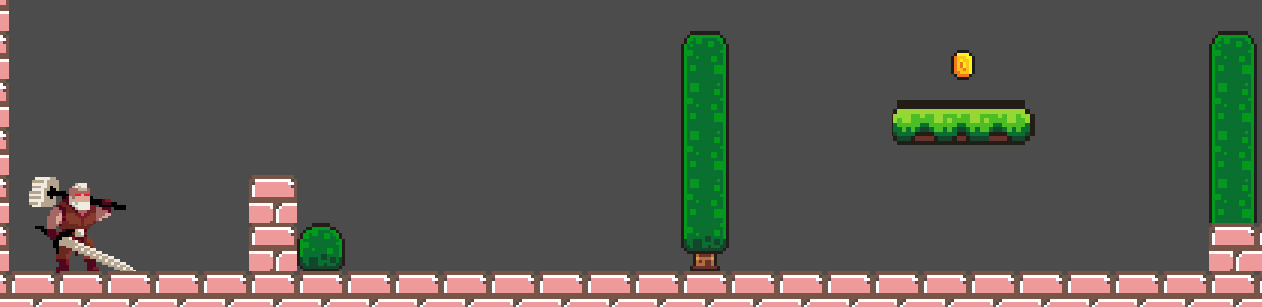
3) There is a coin collection system to where character can collect coins and upgrade itself in the upcoming level
4) Added portal animations in the game to connect the levels
5) The game will have more mission as I will be updating the game in every 2 weeks
6) If you face any issues in the game, please mention in the comments we will fix up as it is still a prototype
Upcoming PATCH NOTES in DEVLOG!!!
CONTROLS:
1) Front Walk - Right Arrow / D
2) Backward Walk: LeftArrow / A
3) Downward: DownArrow (For pass-through platforms)
3)Jump - W / SpaceBar/ UpArrow
4) Pierce Attack - Left Mouse Button
PLEASE READ DOWNLOAD INSTRUCTIONS BEFORE INSTALLING !!!
Download
Install instructions
The game is tested on Windows 11, Ubuntu, and Big Sur MacOS.
FOR WINDOWS:
1) Download the game file according to system architecture (x64 or x32)
2) Extract the zip file to a folder and all the files in the zip file should be in the same directory; otherwise, it will not work
3) After the game is extracted, click on the .exe file
4) Boom! The game starts! Enjoyy!
FOR LINUX:
1) Download the game file according to system architecture (x64 or x32)
2) Extract the zip file to a folder and all the files in the zip file should be in the same directory; otherwise, it will not work
3) After the game is extracted, click on the .x86_64 file
4) Boom! The game starts! Enjoyy!
FOR MAC:
1) Download the game for the MacOS
2) Run the game There will be a security pop-up You have to allow the game to run from the security and privacy section. (Don't worry, the game is 100% safe.)
3) Restart the game
4) Boom! The game starts! Enjoyy!
NOTE (for MacOS users):
If you face this issue while running the game:
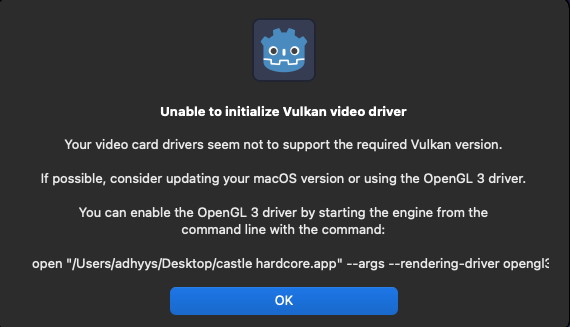
Follow these steps:
1) Go to terminal
2) Paste this command in the terminal:
open "filelocation/castle hardcore.app" --args --rendering-driver opengl
Replace "filelocation" with file's location path
The game should start now
4) Enjoy!!
Development log
- Update 2 Releasing This WEEK !!!Mar 11, 2025
- Web Version DemoMar 06, 2025
- Castle Hardcore MOBILE Released !!!Mar 03, 2025
- UPDATE 1.2 RELEASED !Mar 03, 2025
- Castle Hardcore On MOBILE !!!Mar 01, 2025
- Update 1.2 Release Next WEEK !!!Feb 25, 2025
- Pre-Build Released !!Feb 10, 2025
- BUILD v1.1Feb 09, 2025